Clock time easily
Punch in and out from the dashboard, with options for breaks and shift details.
 Work log for Android
Track your time. Know your pay.
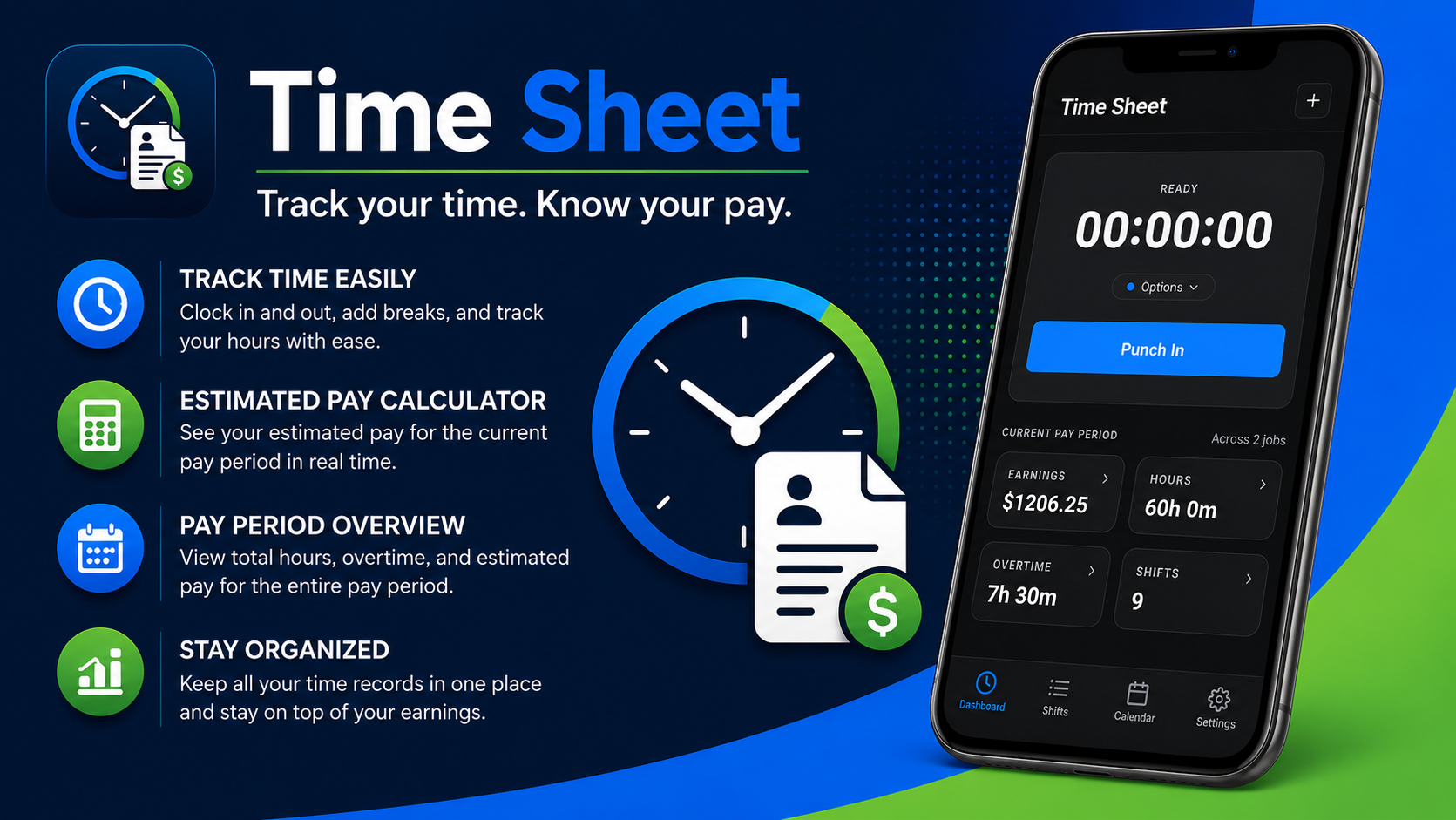
Clock in and out, record breaks, organize jobs, and review hours, overtime, and estimated earnings for each pay period.
Built for real workdays
Punch in and out from the dashboard, with options for breaks and shift details.
Review work by the current period, month, or all time, with job and pay details together.
Use your job rates and logged time to see a running gross-pay estimate.
Keep multiple jobs, pay rates, colors, and notes organized inside one app.
Browse worked days visually and open a date to review its recorded shifts.
Create portable backup files and restore them when you choose.
Pay figures are estimates for personal reference. Actual pay may differ because of taxes, deductions, employer rules, benefits, and other adjustments.
Inside Time Sheet
Every image below is an actual screenshot from Time Sheet.
Your records, your control
The Time Sheet policy explains local records, backup files, optional account or sync features when available, and user-controlled sharing.